

User Guide
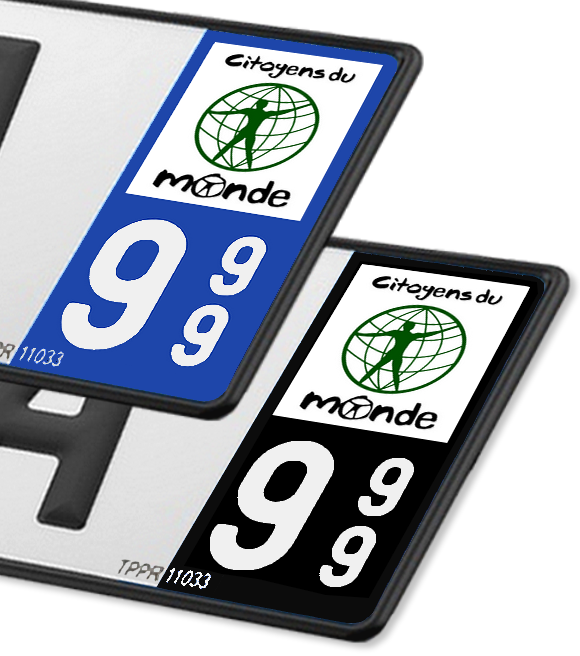
Discover how to create your own license plate sticker® using our DIY concept. This guide will walk you through using your High Definition PDF Template for instant, durable, and eco-friendly car or motorcycle customization.
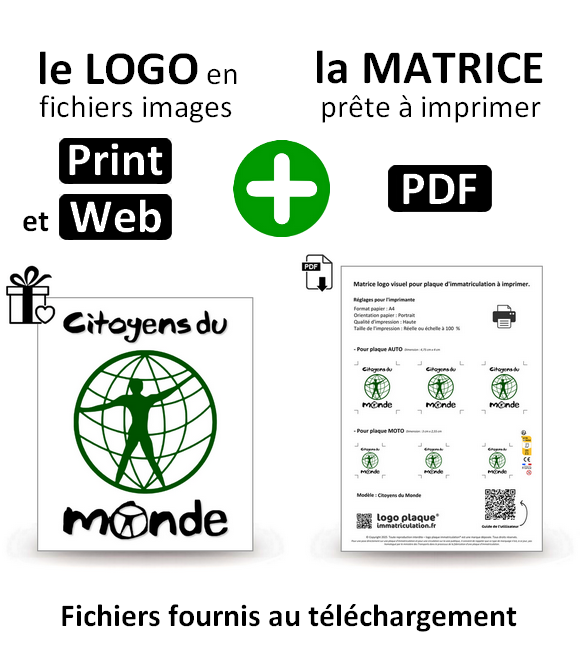
Contents of your ZIP file:
- ✅ 1 Image file of the logo (High Definition).
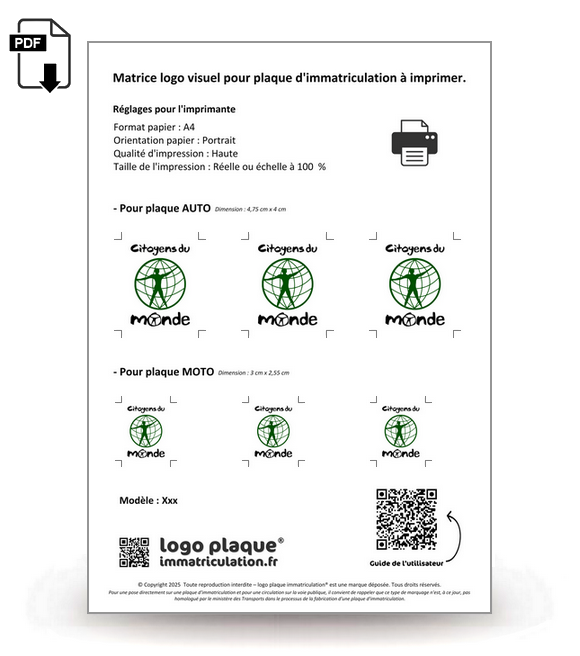
- ✅ 1 Print-ready PDF template (A4 format).
- ✅ The official image usage license .
The logo in image format is intended for your own creations or printing on other media, in accordance with our Usage License .
For simple, quick customization and a professional result!
1. Download
Your files are available immediately after payment is validated (via the confirmation page and by email).
💡 Tip: Save your files to your computer or USB drive. Each link is valid for 3 downloads .
If needed, download Adobe Acrobat Reader for free.
2. Print
You can use standard A4 paper, glossy paper, photo paper or self-adhesive vinyl sheets .
⚠️ Crucial print settings:
- Size: "Actual Size" or "100%" .
- Quality: "High" or "Optimal" .
💡 Tip: For A4 self-adhesive vinyl sheets to print, you can easily find a wide selection at low prices online or in stationery stores.
3. Cut
Use sharp scissors or a utility knife with a ruler . Follow the cutting lines on the PDF template (Auto/Motorcycle).
💡 Tip: For maximum protection (UV and washing), you can laminate your print with transparent adhesive tape before cutting.
4. Glue
- Clean the area (soapy water or window cleaner).
- Dry the surface thoroughly.
- Position the sticker over the existing logo and smooth out any bubbles with your finger or a flexible card, starting from a corner.
⚠️ Warning: For cleaning, absolutely avoid acetone or white spirit which are too aggressive for the surface of the plate.
✨ Congratulations, your customization is complete! ✨
Need more help? Contact our team of enthusiasts.
The Associables
-
00 - Double Zero
Vendor:Logo plaque d'immatriculation®Regular price €0,90 EURRegular price -
02 - Aisne
Vendor:Logo plaque d'immatriculationRegular price €0,90 EURRegular price -
03 - Allier
Vendor:Logo plaque d'immatriculationRegular price €0,90 EURRegular price